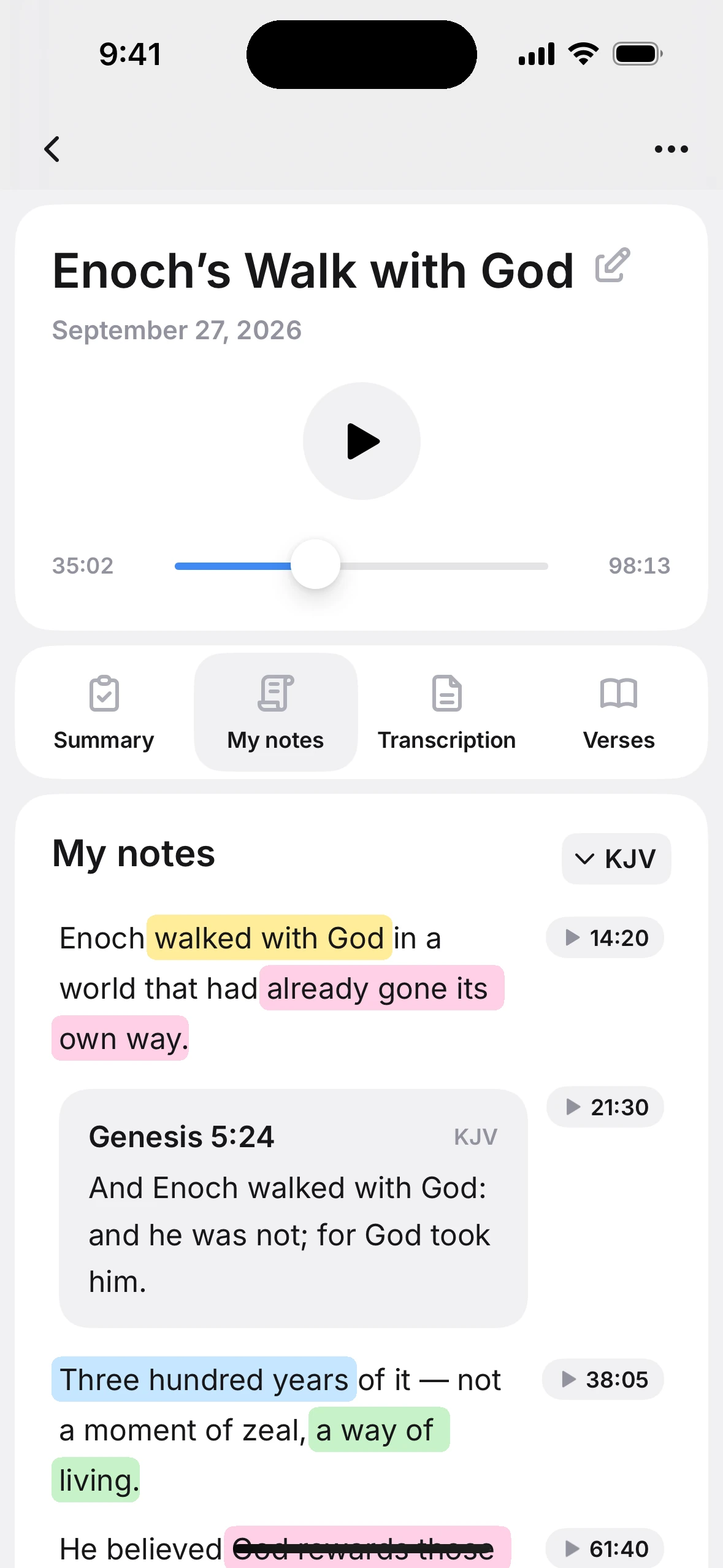




Tap. Replay.
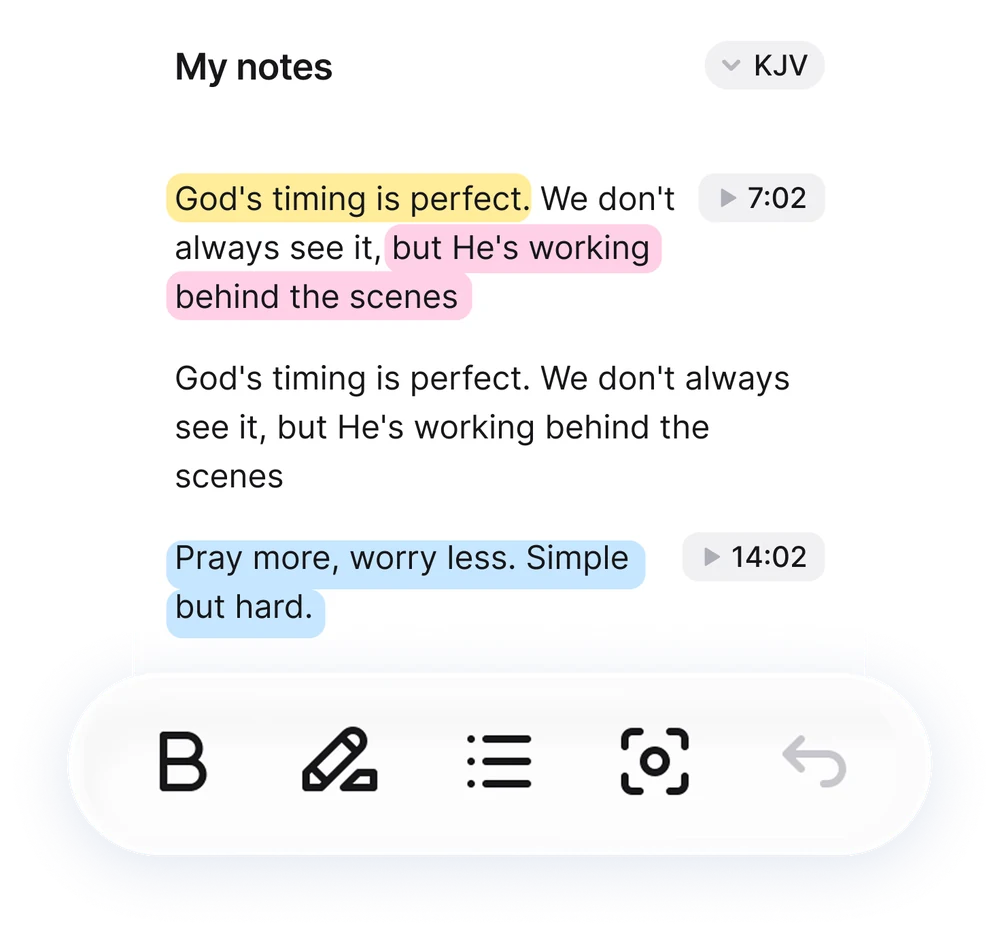
Every note is pinned to the audio. Tap one and hear the pastor say it again.

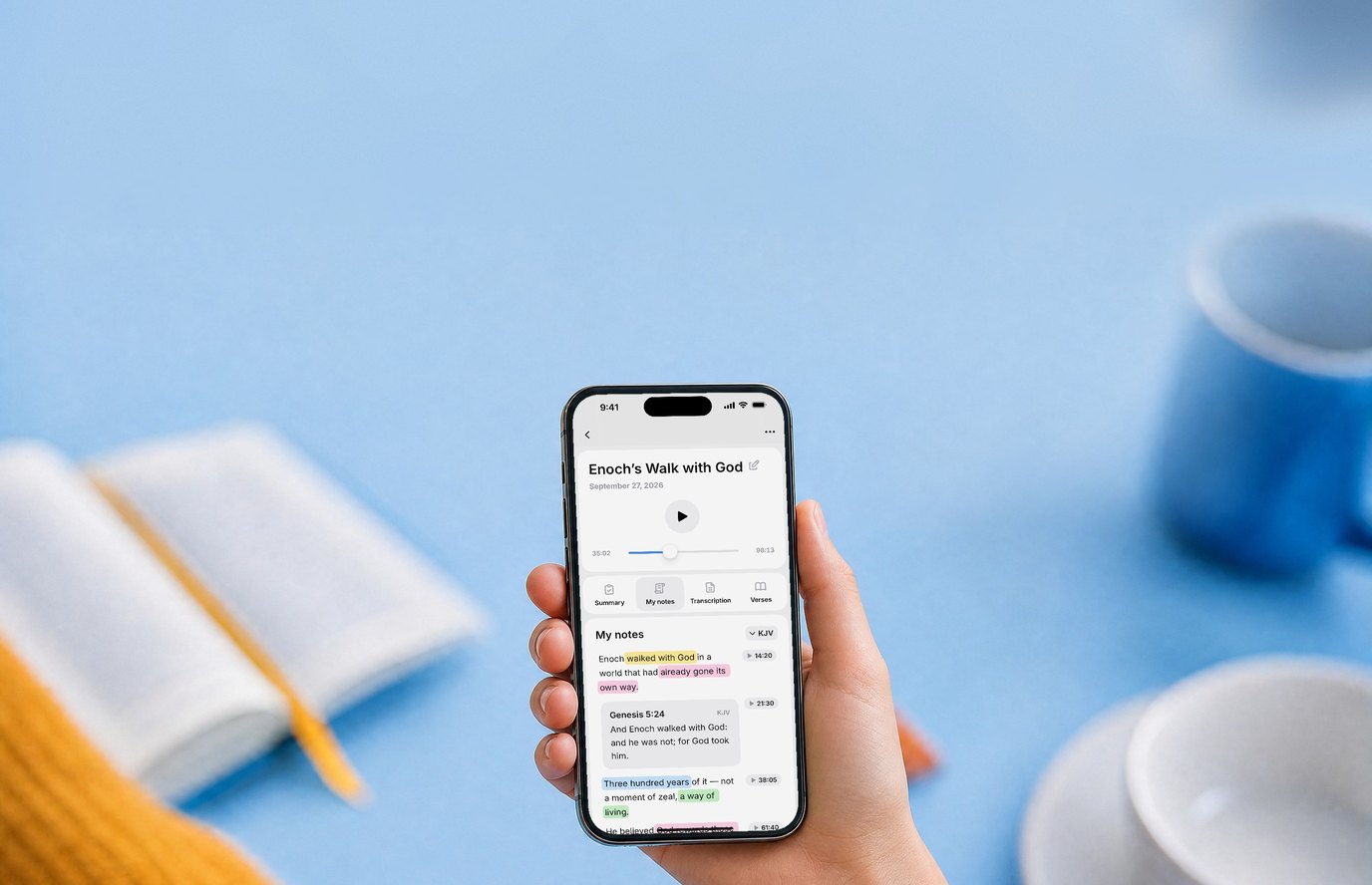
Record the sermon, tap short notes, get a summary with every verse the pastor named
Start free trialFree 3-day trial · No account neededBy Wednesday, Sunday's sermon is a blur: nobody writes as fast as a pastor speaks. Sermon Keeper keeps the whole message while you tap short notes.
Every note is pinned to the audio. Tap one and hear the pastor say it again.
After the service you get a transcript, a short summary, the pastor's outline and questions to reflect on.
Every verse the pastor named, in full, in seven Bible translations that work offline.
Pick your service day, and Sermon Keeper reminds you to record an hour before it starts. Three days later, it brings back that sermon's summary.
Try it now
The pastor puts a quote on the screen? Scan it, and the text lands in your notes. It's read on your phone, offline.
Tap a verse, and Sermon Keeper adds the context, an observation, how to apply it and a prayer.
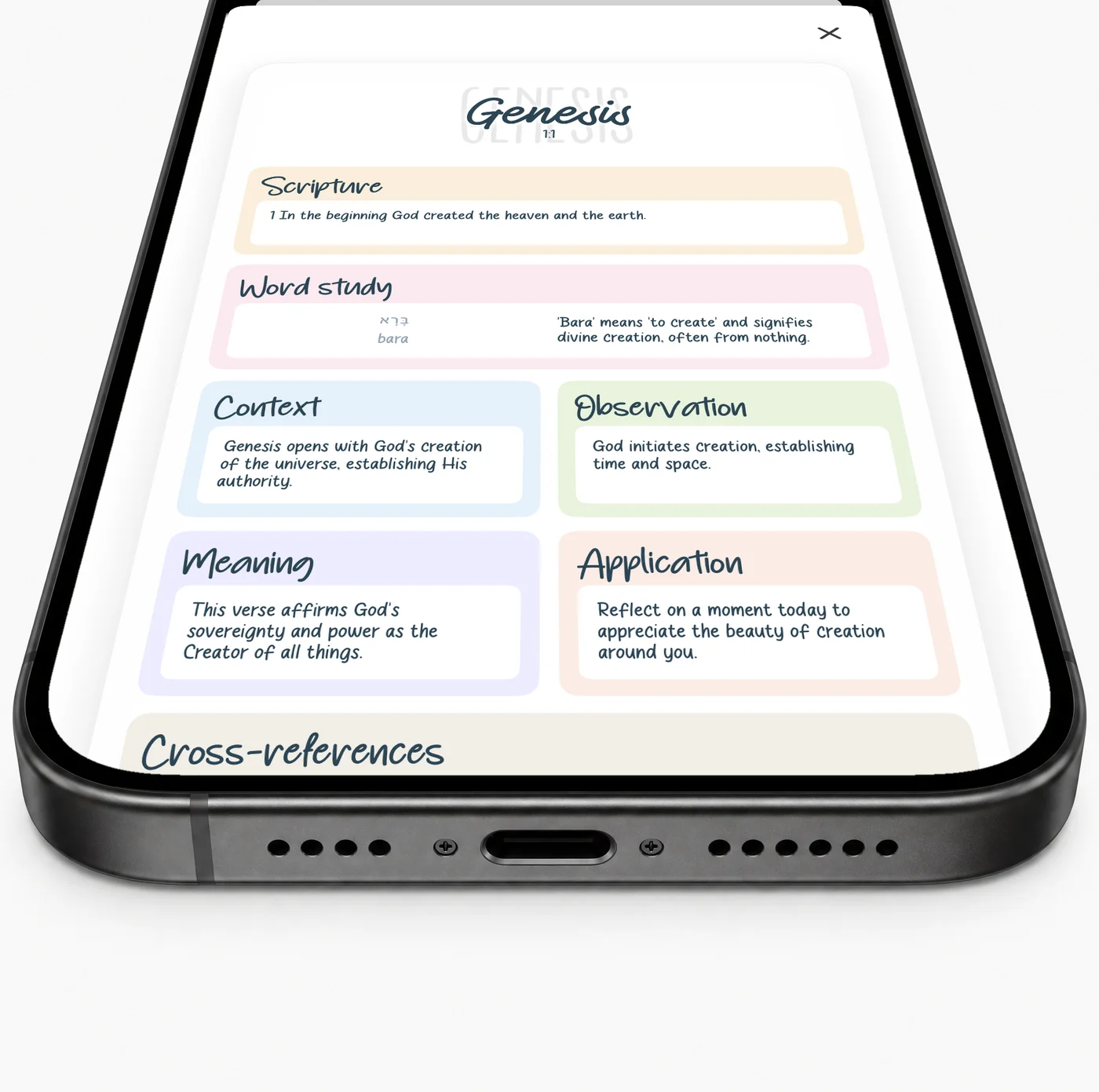

The pastor says it and keeps going. Type the reference in Sermon Keeper while it records, and the full verse appears in your notes.
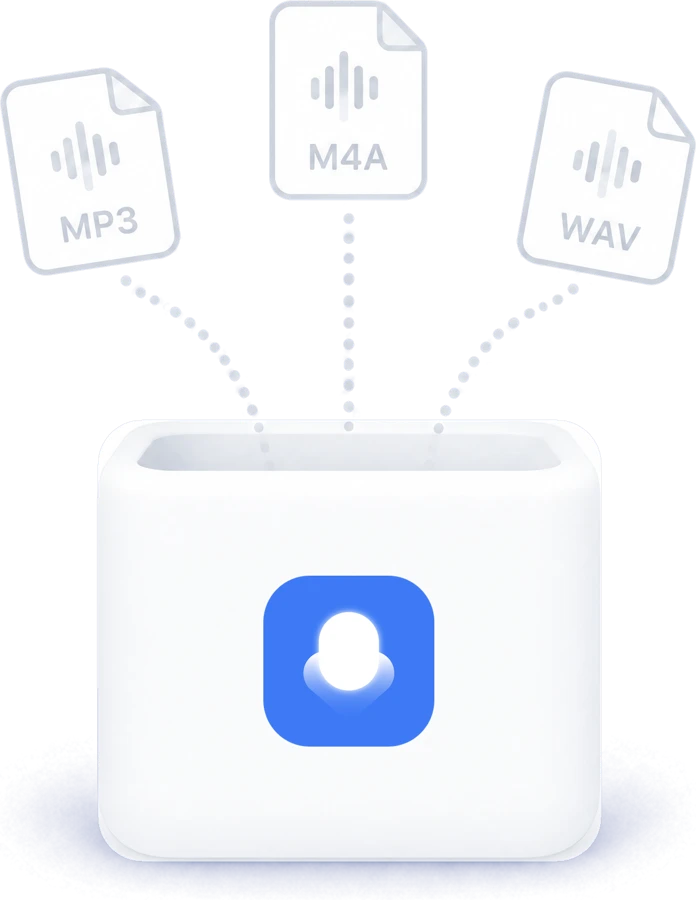
Missed the live service? Upload the church's audio file: MP3, M4A or WAV, up to 3 hours.
Bold, lists and highlights in four colors, right in your notes while the sermon records.
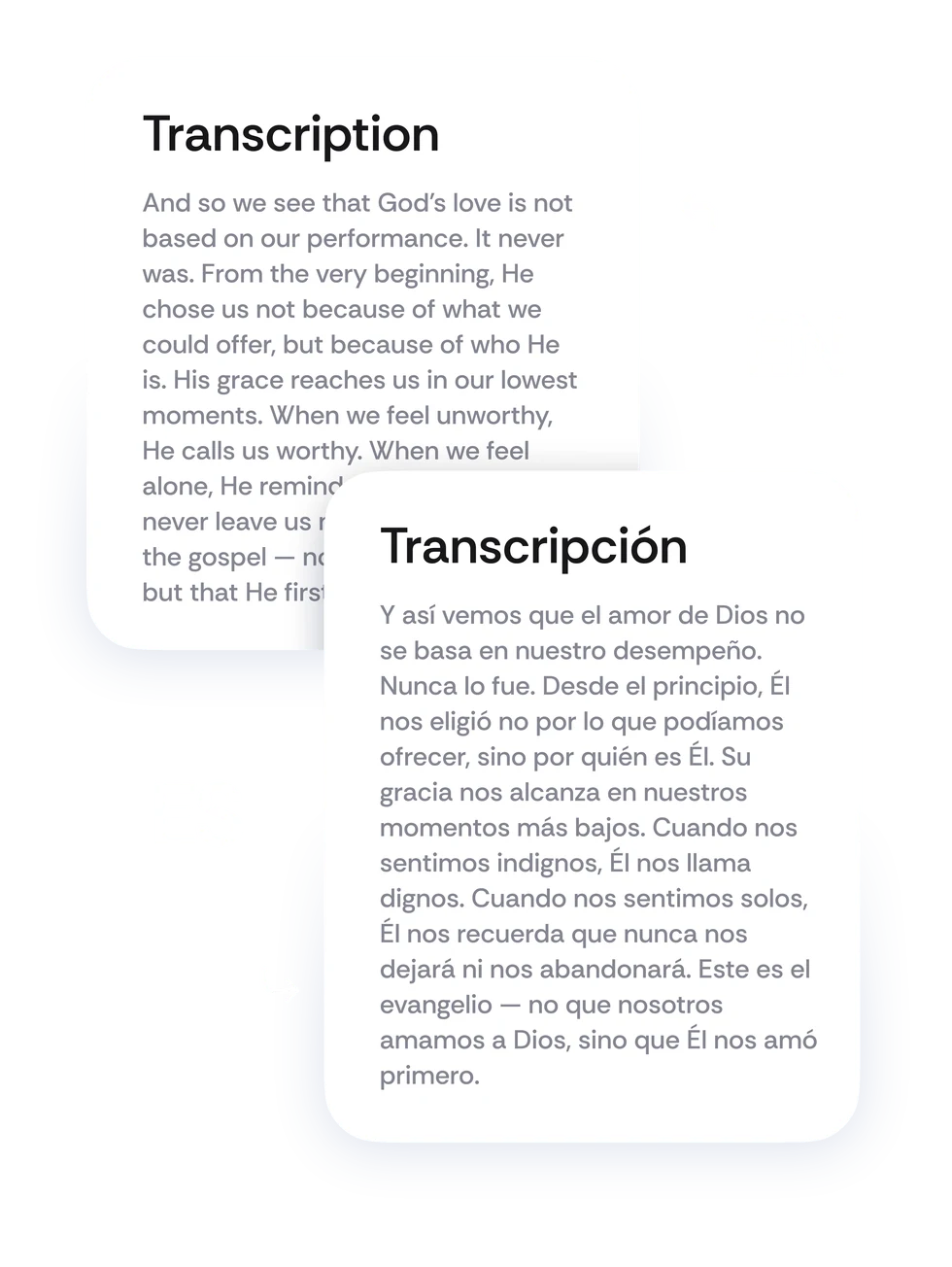
Notes, transcript and summary in your language. The app speaks Spanish too.
A sermon notes app for iPhone. It records the sermon while you type short church notes, then gives you the full transcript, a summary with the pastor's outline and every Bible verse named.
Yes, you can try it free: the yearly plan starts with a 3-day free trial, and no account is needed. Plans are $6.99/month or $64.99/year.
English and Spanish: both the app and AI transcription.
Seven translations, all built in and working offline: KJV, NASB 1995, ESV, NKJV, NIV 1984, WEB and Reina-Valera 1909.
Yes. Export a sermon as a PDF with the summary, your notes, photos and verses, or share it as text. The full transcript can be shared as a text file.
Sermon Keeper is built specifically for church, with timestamped notes, Bible verses, and AI summaries.
Yes. Upload an MP3, M4A, WAV, AIFF or AAC file up to 3 hours long, and you get the same transcript and summary.
Yes. Recording goes on with the screen locked for up to 3 hours, and you can pause it from the Lock Screen.
Recording and all seven Bible translations work offline. The transcript and summary need internet and are usually ready in 2–3 minutes.
Yes. Type a reference and the full verse fills in, and Scan Scripture turns a photo of a Bible page into a study card.
Yes. Search looks through titles, notes, transcripts and summaries of every sermon you kept.
No. Your sermons, recordings and photos are saved to your own iCloud and stay in sync across your devices.
No sign-up required. Just download and start recording.
Your notes sync through your own personal iCloud, not our servers. The audio you record is sent to our server only to create the transcript, then deleted. We don't sell your data.
Point your phone camera at the code to open it in the App Store.


